Wave Accounting Review 2026: Is It Worth It?
📅 Last Updated: March 2026 ⏱ 10 min read
Free accounting software sounds too good to be true – with Wave, it mostly isn’t. This review covers what Wave offers in 2026, who it’s best for, its limits (especially outside North America), and how it stacks up against main rivals. Our conclusions are based on official product docs, verified user reviews (G2, Trustpilot, Capterra, Reddit) and an AI-assisted editorial analysis reviewed by a human editor – see our 5-point review methodology.
Table of Contents
Wave Accounting – Quick Verdict
Wave delivers something rare: a genuinely free accounting platform that doesn’t feel like a stripped-down trial. For freelancers and sole traders who need basic bookkeeping without monthly costs, it’s hard to argue against. The limitations are real — limited geography, basic reporting, no inventory — but for the right user, none of those matter.
Not recommended for: UK/AU businesses needing payment processing, or anyone requiring payroll, inventory, or advanced reporting.
What Is Wave Accounting?
Wave is a cloud accounting and invoicing platform originally built for microbusinesses and freelancers; H&R Block acquired Wave in 2019 and continues to operate it as a low-cost/free offering in the small-business space. The core Wave product (accounting, invoicing, receipt scanning) remains free forever, with paid add-ons for payments processing, payroll, and optional bookkeeping support.
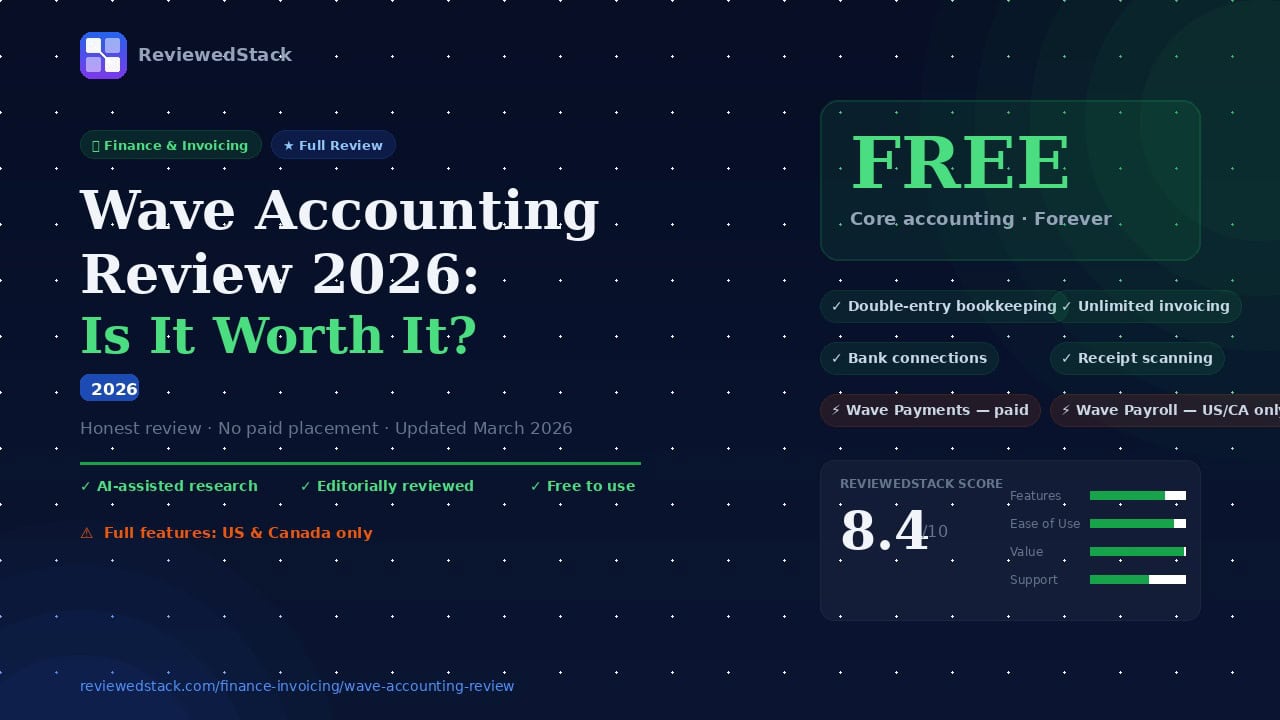
Wave’s free tools cover bookkeeping and invoicing, while paid services include Wave Payments (credit card and ACH/bank processing), Wave Payroll (available in the US and Canada only), and Wave Advisors bookkeeping services. The product is primarily targeted at sole traders, freelancers, and very small businesses that want straightforward bookkeeping without monthly subscription fees. Availability is strongest in the US and Canada; several features (payments, payroll, tax filing) are either limited or unavailable in the UK, Australia and many other countries – check feature availability for your country before signing up.
Wave Accounting Pricing
Free forever:
- Accounting and bookkeeping
- Unlimited invoicing
- Receipt scanning
- Bank connections
Paid add-ons (verify current rates on waveapps.com):
- Wave Payments – credit card and bank/ACH processing (per-transaction fees)
- Wave Payroll – US and Canada only (monthly fee + per-employee fees; tax filing offered where supported)
- Wave Advisors – bookkeeping support and reconciliation services (hourly or subscription options)
Note: Always verify current pricing and country availability on the vendor site – prices and supported regions change.
Wave Accounting Features
Invoicing
- Unlimited professional invoices
- Recurring invoices and automated reminders
- Payment links and online payments (via Wave Payments)
- Invoice customization options (logos, templates, custom fields)
- Mobile invoicing via iOS/Android app
Evaluation: Wave’s invoicing is straightforward and reliable – you can create a clean invoice in minutes and set up recurring billing and reminders without friction. Template customization is serviceable for freelancers, but if you need highly branded invoices or advanced client portals (time tracking tied to invoices, client approvals), Wave feels basic compared with premium invoicing tools. Offline or complex billing scenarios (retainers, staged billing, progress invoicing) require workarounds or manual entries.
Accounting & Bookkeeping
- Double-entry accounting included
- Bank connections and automatic transaction import
- Expense categories and tracking
- Basic financial reports: profit & loss, balance sheet, cash flow summaries
- Receipt scanning via mobile app with image capture and attachment to expenses
Evaluation: You get genuine double-entry bookkeeping at no cost, which is rare among free tools – bookkeeping flows are logical for non-accountants and reconciliations are automated where banks connect. Reports cover the essentials but lack depth: there are no customizable reporting templates or advanced comparative analytics you’d expect from mid-market packages. Receipt capture is handy and fast, but OCR accuracy is basic, so you should review scanned amounts and categories.
Payments Processing
- Accept credit card and bank (ACH/Direct Debit) payments where supported
- Per-transaction fees apply (rates vary by card type, country and volume – verify on Wave site)
- Automatic reconciliation of payments with invoices
- Not available in all countries; check local availability
Evaluation: Payments integration is smooth when it’s supported – linking a payment to an invoice is automatic and reconciliation reduces manual work. The trade-off is per-transaction fees and regional limitations; Wave’s rates are competitive for low-volume sellers but high-volume businesses should negotiate with dedicated processors. If you operate outside the US/Canada (or don’t qualify for ACH), you’ll likely need a separate payment gateway.
Payroll (Paid Add-on)
- Available in the US and Canada only
- Direct deposit for employees, contractor payments
- Tax calculations and filing in supported jurisdictions (US federal and many states; Canadian payroll tax support)
- Not available in UK/AU – UK/AU users must use third-party payroll providers
Evaluation: Wave Payroll is a solid low-cost option for small US/Canadian employers who want tax calculations and basic tax filing included. It’s designed for simplicity, so it handles standard deductions and filings well, but it’s not built for complex payroll situations (multi-state employers with special local taxes, union deductions, or detailed benefits administration). If payroll is a central part of your operations or spans many regions, a more robust payroll provider or QuickBooks/HCM solution will be a better fit.
Mobile App
- iOS and Android apps
- Create and send invoices, capture receipts, view basic dashboard and client lists
- Useful for on-the-go invoicing and receipt capture; full accounting workflows still easier on desktop
Evaluation: The mobile apps do the essential tasks quickly – sending invoices and snapping receipts are the standout features and work reliably. However, the app isn’t a full desktop replacement: reporting, reconciliation, and chart of accounts editing are clumsier or unavailable on mobile. For day-to-day operations on the move it’s excellent; for month-end close you’ll want the desktop experience.
Wave Accounting – Pros and Cons
Pros
- Genuinely free core accounting – no credit card required to sign up
- Double-entry bookkeeping included at no cost
- Unlimited invoicing with professional templates
- Simple, clean interface – easy to learn for non-accountants
- Decent mobile app for on-the-go invoicing and receipt capture
Cons
- Limited availability outside the US and Canada (payments, payroll)
- Customer support is limited on the free plan; priority support costs extra
- Reporting is basic compared to paid rivals (fewer advanced analytics)
- No inventory management or native project tracking
- Payroll is a paid add-on and only available in US/Canada
How Does Wave Compare?
Wave vs FreshBooks
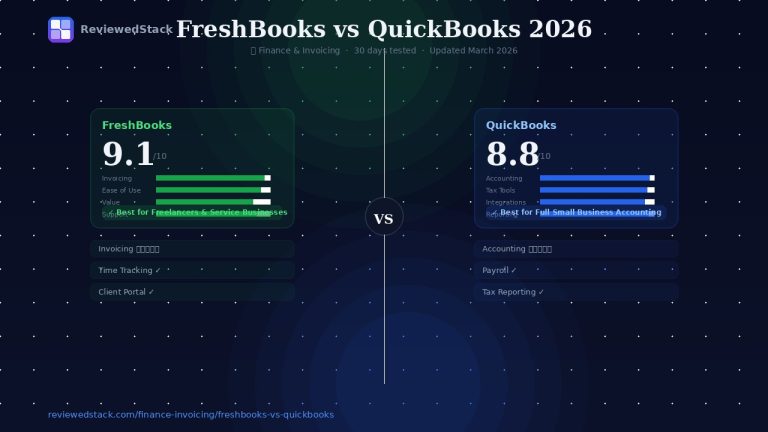
Wave wins on cost and simplicity: it gives you free invoices, bookkeeping and receipt capture, which is ideal if you need a no-cost starting point. FreshBooks focuses on service businesses with stronger time tracking, better client collaboration (client portals, approvals), and more polished invoicing – it’s a better fit if you bill hourly, track project time, or need integrated proposals. FreshBooks also offers faster support and a more user-friendly client-facing experience; that extra polish is the reason many freelancers upgrade once they need client collaboration. Choose Wave if price is the priority and your billing is straightforward; choose FreshBooks if you need time-tracking, client approvals, or a more refined client workflow. See our full FreshBooks review.
Wave vs QuickBooks
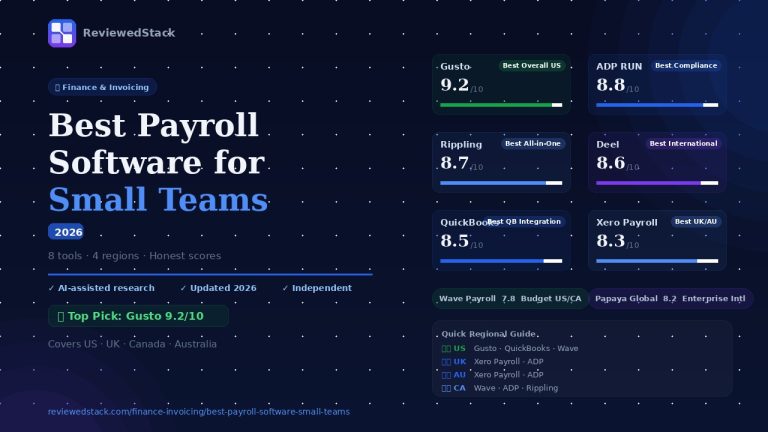
QuickBooks Online is the power user choice: it scales to companies that need advanced reporting, multicurrency, inventory, and full-featured payroll across many jurisdictions. Wave is the economical alternative for solo operators who want simple bookkeeping without a monthly fee – it’s lighter but much cheaper. QuickBooks has a steeper learning curve and higher ongoing cost, but it will save you time for complex accounting and compliance as you grow. If you’re a one-person business or just starting, use Wave; if you expect to grow into multi-entity accounting, inventory, or advanced tax workflows, invest in QuickBooks early to avoid migration headaches. For a deeper comparison see FreshBooks vs QuickBooks comparison.
Wave vs Zoho Books
Zoho Books offers more automation and workflow customization at low cost and can scale through paid tiers – it also provides multi-currency support and more integration across the Zoho suite. Wave is simpler and often easier for freelancers who want to keep bookkeeping minimal and free. If you already use Zoho CRM or other Zoho apps, Zoho Books will integrate more tightly and is worth paying for once you need automation or project billing. If you want a strictly no-cost solution and prefer a very lightweight interface, Wave remains a compelling option.
Who Should Use Wave Accounting?
Wave is a great fit if:
- You are a freelancer or sole trader who needs basic bookkeeping for free
- You are in the US or Canada and want payroll as an affordable add-on
- You’re just starting out and want to avoid monthly software costs
- You invoice clients occasionally and don’t need complex financial reporting
Wave is NOT a great fit if:
- You are based in the UK or Australia and need full payment processing or payroll
- You need inventory management or project-based accounting with time tracking
- You want priority customer support or a dedicated account manager
- You need advanced reporting, multi-currency invoicing, or enterprise features
Setting Up Wave: What to Expect
Signup process
Signing up for Wave is fast – you can create an account with an email and password in under five minutes. During signup you’ll enter business basics (business name, industry, address) and can choose default settings like your currency and fiscal year. No credit card is required for the free accounting product, which removes a common barrier to trial.
Connecting your bank
Once you’re in, Wave prompts you to connect bank accounts to auto-import transactions. Supported banks connect via a secure aggregation service; most major US and Canadian banks work reliably. Expect the initial sync to take a few minutes, and plan for occasional reauthorizations for security. If your bank isn’t supported, you can always import CSV statements, but that’s more manual and needs mapping to Wave’s format.
Sending your first invoice
Creating and sending your first invoice is intentionally quick: add a client, choose items or services, set terms, and email the invoice directly from Wave. If you enable Wave Payments, you can include a “Pay” button so clients pay online; otherwise the invoice will need manual reconciliation when funds arrive. Test-send one invoice to yourself or a colleague to confirm templates, taxes, and payment options display as intended.
How long it takes to get started
For basic use – signup, connect a bank, and send an invoice – expect 15-45 minutes depending on whether your bank requires MFA and how many products you set up. Getting the bookkeeping set up properly (chart of accounts adjustments, opening balances, and categorizing historical transactions) can take several hours to a few days depending on transaction volume and bookkeeping familiarity. If you’re migrating from another system, budget extra time for export/import cleanup and reconciliation.
Our Final Verdict
Score: 8.4/10 – Wave is likely the best free accounting option available for freelancers and microbusinesses. Its genuinely free core offering (double-entry accounting, unlimited invoicing, receipt scanning) is hard to beat and makes it an excellent choice for cost-conscious users who need straightforward bookkeeping. For businesses that need payroll across more countries, complex inventory, or advanced reporting, Wave will feel constrained and it’s worth evaluating paid platforms as you scale.
Who it’s best for: solo contractors, freelancers, and very small businesses in the US or Canada who want a no-cost platform with optional paid add-ons. Who should look elsewhere: businesses that need advanced financial reporting, inventory, multi-currency accounting, or full payroll support outside North America.
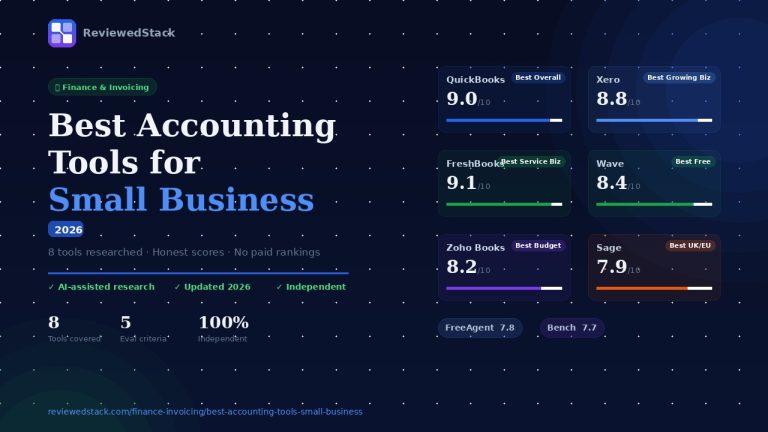
When to upgrade: If your needs outgrow Wave (advanced reporting, payroll across more countries, inventory or project invoicing), consider moving to paid tools like QuickBooks or FreshBooks – our Best Accounting Tools for Small Business guide can help you compare options.
All ReviewedStack comparisons are editorially independent. Learn how we work →
FAQs
Q: Is Wave Accounting really free?
A: Yes – Wave’s core accounting, invoicing and receipt scanning are free forever. Paid charges apply only for optional services like payments processing, payroll and bookkeeping support.
Q: Is Wave Accounting safe and secure?
A: Wave uses standard cloud security practices (encryption in transit and at rest, secure data centers). Always enable strong passwords and two-factor authentication where available. For full details, consult Wave’s security documentation.
Q: Does Wave work outside the US?
A: Wave works globally at a basic level (you can use the accounting and invoicing features), but payments processing and payroll are primarily available in the US and Canada. The UK and Australia have limited or no support for some paid features.
Q: What are Wave’s payment processing fees?
A: Wave charges per-transaction fees for credit card and bank payments; rates vary by country, card type and payment method. Always verify the current fee schedule on Wave’s website before accepting payments.
Q: Can Wave handle payroll?
A: Yes, but Wave Payroll is a paid add-on and is available only in the US and Canada (with tax filing support where available). UK and Australian users will need a third-party payroll provider.
Q: Is Wave good for small businesses?
A: Yes for microbusinesses and freelancers that need basic bookkeeping and invoicing without monthly software costs. Not ideal for growing small businesses that require advanced reporting, inventory, multi-currency, or comprehensive project management.
Q: What is the best free alternative to Wave?
A: Alternatives include Zoho Books (free tier in some regions) and basic tiers of Xero/FreshBooks for trial periods. Which is best depends on your country, need for automation, and whether you require payroll or inventory features.

Former engineering leader at HARMAN International, where he acted as business architect in SAP ME and Siemens Teamcenter PLM implementations. Built ERP and process automation applications in .NET. Holds a degree in Business Information Management. Reviews SaaS tools from the perspective of someone who has evaluated, implemented, and lived with enterprise software at scale.
LinkedIn Profile